A personal medication reminder
Medication reminders, made simple.
MediTime is a personal medication reminder app. Create your own medicine schedules, receive timely reminders, and keep a simple record of taken and missed doses.
Your reminder schedules and dose records stay on your device. Internet access is used only to retrieve medicine-name suggestions while you type.

- No account required
- Schedules stored locally
- User-controlled reminders
- No medical recommendations
Setting up a medicine, step by step
- 1
Name the medicine
Enter the medicine name to start setting up its reminders.
- 2
Set the frequency
Choose how many times a day it needs to be taken — once, twice, thrice, four times, or a custom count.
- 3
Choose the course length
Pick how long the course lasts, in days, weeks, months, or years.
- 4
Pick a start date
Choose the first day of the medicine plan from a calendar.
- 5
Confirm the timeline
Review the calculated start date, end date, and total days of reminders for the course.
- 6
Set the reminder time
Set the exact time to be reminded for each dose.
- 7
Choose food instructions
Select whether the dose is before food, after food, with food, or not specified.
- 8
Add optional notes
Optionally add a short note or instruction for the medicine.
- 9
Review and save
Check the medicine, course, dose schedule, and notes together before saving the plan.
OCR photo scan
Add medicines faster with a photo
Take a clear photo of a medicine package or strip. MediTime uses on-device OCR to detect the visible text, lets you choose the correct medicine name, and fills it into the Add Medicine form for you.
- Capture a clear photo
- Crop around the medicine name
- Select the correct detected text
- Edit the name before continuing
Your photo is processed on your device. It is not uploaded or saved to your photo gallery.
Manual medicine-name entry remains available at all times.
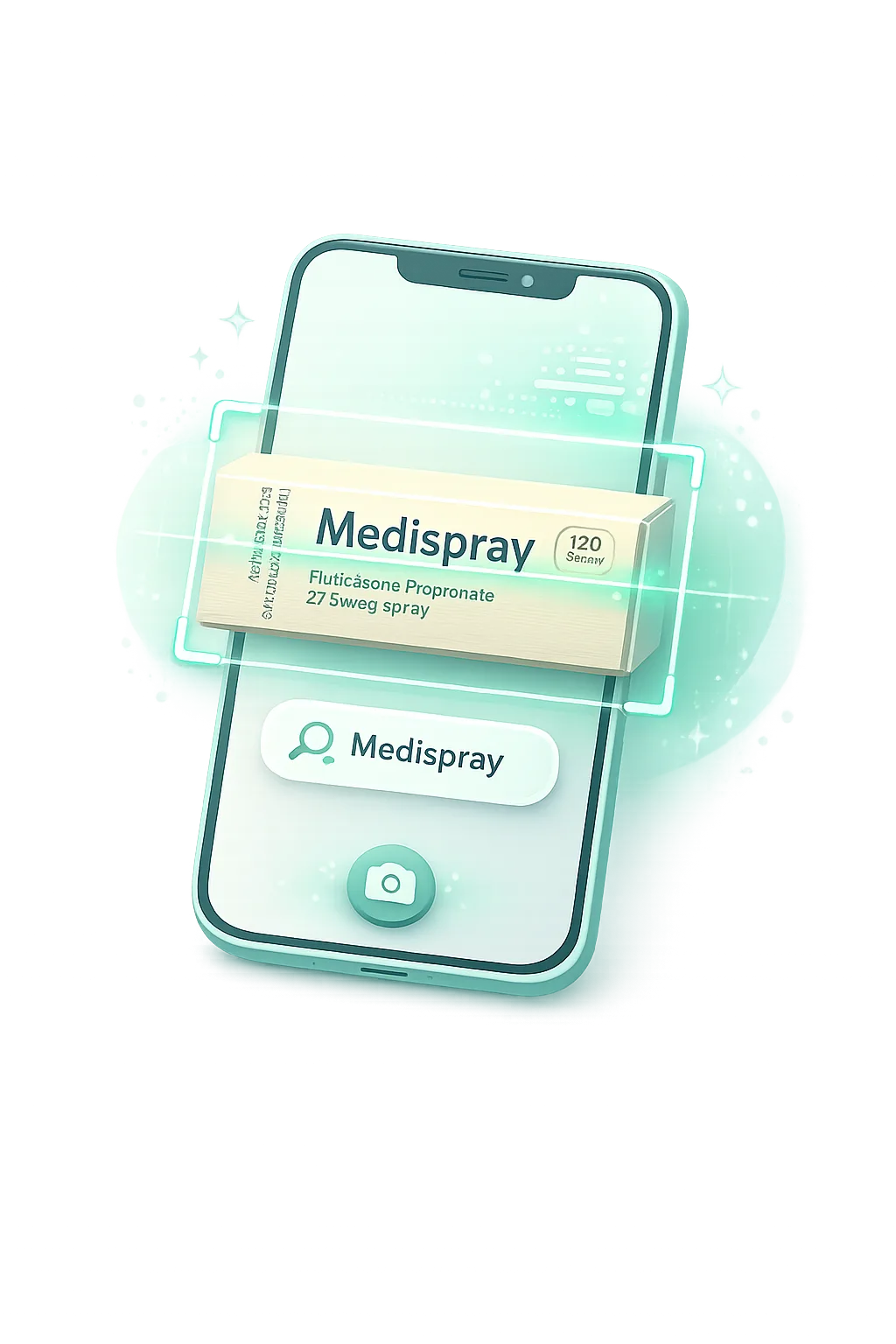
- 1
Capture
Take a clear photo of the printed medicine package or strip.
- 2
Crop and select
Focus on the medicine name and choose the correct detected text.
- 3
Continue adding
MediTime fills the selected name into the existing Add Medicine form, where you can review or edit it.
More screens inside the app
- 1
Home screen widget
Add the Calm Glass widget to your phone's home screen to see the next dose without opening the app.
- 2
My Medicines list
See every active, completed, and missed medicine in one searchable list.
- 3
Medicine details
Review schedule, adherence, and recent history for a single medicine.
- 4
Profile & settings
Manage your profile, reminder preferences, language, theme, and widget setup from one place.
- 5
Widget setup
Preview the Calm Glass widget styles — a compact next-dose glance or a full-day view — before adding them to your home screen.
Everything needed for a clearer routine
Flexible reminder schedules
Pick the days, times and number of daily doses yourself.
Medicine-name autocomplete
Name suggestions appear as you type, so entries stay consistent.
Taken and missed dose records
Each reminder can be marked taken or missed and kept as a simple count.
Local on-device storage
Profile, schedules and dose records are saved in a local database on your phone.
No account required
Start using MediTime without signing up or signing in.
Simple personal profile
Add your name, age and gender for a personal greeting on the home screen.
Your routine stays personal.
MediTime stores your profile, medicine schedules, reminder times, and dose records locally on your device. When you use medicine-name autocomplete, the text currently being typed is sent to the autocomplete service only to return matching medicine names.
Where information lives
- On device
- Profile, medicines, schedules, reminder times, taken and missed records
- Sent out
- Only the medicine-name text you are typing, to return matching names
Medical disclaimer
MediTime is a reminder and record-keeping utility. It does not provide medical advice, diagnosis, treatment, dosage recommendations, or emergency services. Always follow instructions from your qualified healthcare professional or medicine label.
Read the full Medical DisclaimerFrequently asked questions
- It reminds you to take the medicines you have added, at the times you have chosen, and lets you record each dose as taken or missed.
- No. MediTime does not recommend medicines, reminder times, or dosages, and it does not check interactions between medicines. See the Medical Disclaimer for details.
- Yes. You can photograph a printed medicine package or strip, crop around the name, select the detected text, and edit it before continuing. Photo Scan reads visible printed text only; it does not identify medicines or interpret handwritten prescriptions.
- No. The photo is processed on your device and is not uploaded or saved to your gallery. After you select a name, only that selected medicine-name text may use the existing suggestion service to find matching names.
- In a local database on your device. There is no account or cloud sync in the current release, so this information is not uploaded to a server.
- The medicine-name list is hosted by an external service. While you type, the text currently in the field is sent to that service so matching names can be returned — see the Privacy Policy for what this involves.
- No. MediTime works without an account — your schedules and dose records stay on your device.
- No. MediTime is not suitable for emergencies. Contact your local emergency services or a qualified medical professional directly.
What does MediTime do?
Does MediTime recommend medicines or dosages?
Can MediTime add a medicine name from a photo?
Are medicine photos uploaded?
Where are my schedules and dose records stored?
Why does medicine-name autocomplete require internet access?
Do I need to create an account?
Can MediTime be used during a medical emergency?
A simpler way to remember your schedule.
Set your own reminders and keep your medicine routine organized without creating an account.